Garchi MCP Server: Let AI Manage Your Content
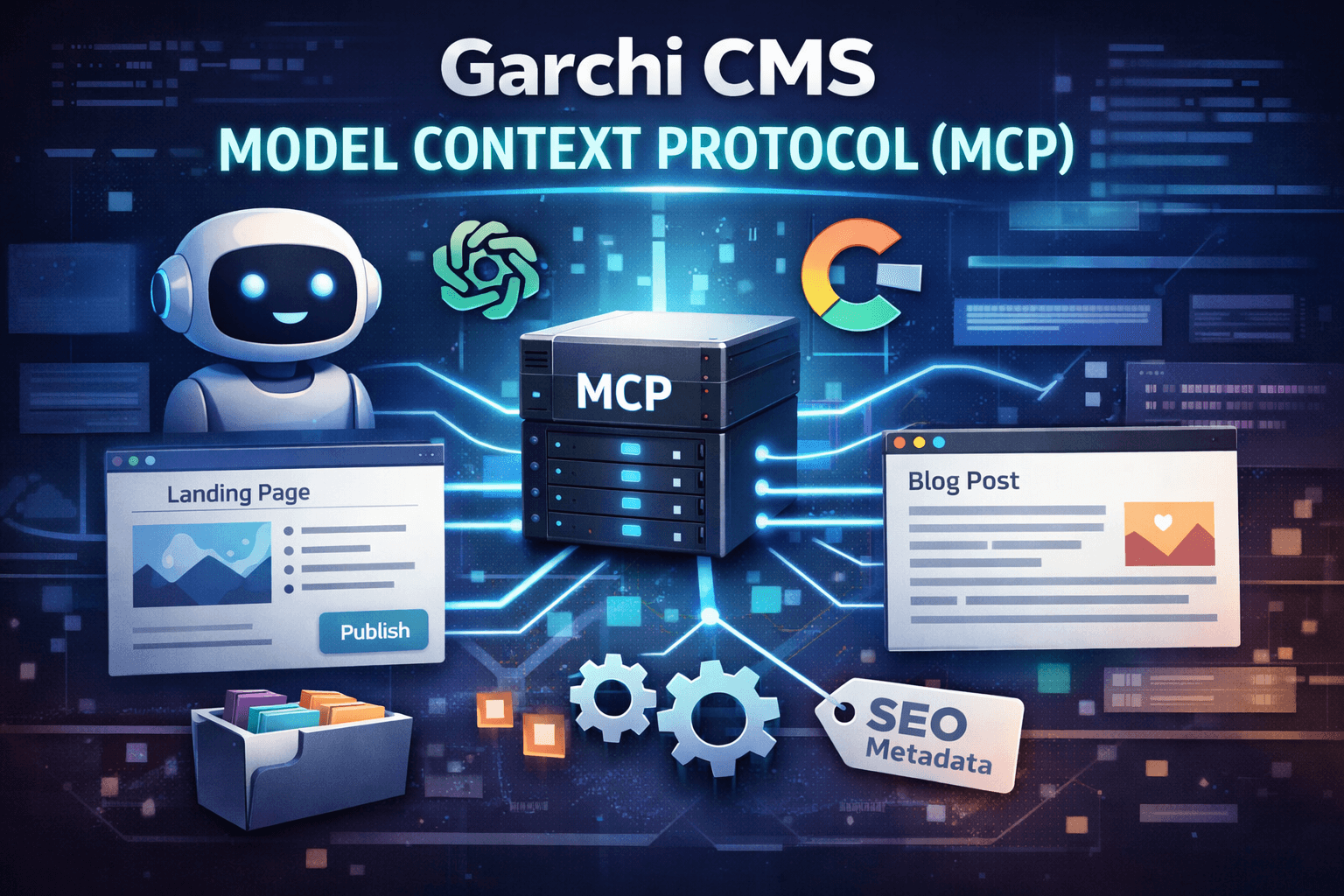
We've shipped something that's been on our roadmap for a while: a Model Context Protocol (MCP) server for Garchi CMS.
If you're not familiar with MCP, it's basically a standard way for AI assistants to talk to external systems. Think of it as a universal adapter that lets Claude, ChatGPT, or any AI tool directly interact with your CMS without needing custom integrations for each one.
What Does This Actually Mean?
Instead of switching between your AI tool and your CMS dashboard, you can now just ask your AI assistant to handle content tasks directly. Need to create a new landing page with five sections? Just describe what you want. Want to publish a blog post with proper metadata and categories? Tell your AI to do it.
The AI can read your existing content structure, understand what's already there, and make informed decisions about what to create next. It's not just blindly executing commands—it has context.
What Can It Actually Do?
The MCP server gives AI clients access to pretty much everything you'd need for content management:
Page Management: Create new headless pages, list existing ones, or fetch specific page details by slug. Each page gets proper SEO descriptions and unique URL paths.
Sections & Templates: Define reusable section templates that map to your frontend components, then add section instances to pages. You can nest sections and the system handles ordering automatically.
Content Items: Create blog articles, products, documents—whatever content types you're working with. Add rich HTML descriptions, associate categories, and track inventory for products if that's your thing.
Metadata: Extend your content items with custom key-value pairs. This is useful when the standard fields aren't enough and you need additional properties.
Categories: Create and manage content categories for organization. Everything stays nicely categorized without manual grunt work.
How to Set It Up
We've made integration straightforward across different AI clients. The MCP server endpoint is at https://garchi.co.uk/mcp and uses Bearer token authentication with your API key.
For Claude Desktop: Edit your claude_desktop_config.json file and add the Garchi MCP server configuration. Once installed, you'll see it listed in your Local MCP servers.
For Cursor IDE: Either manually edit your mcp.json file or use the automatic integration button to set it up instantly.
For VSCode, Lovable, v0, and Claude CLI: We've documented the specific steps for each platform. The setup is similar—configure the server URL and add your API token.
Your API key is scoped to your account and spaces, so you'll only be able to manage content in spaces you own. That's by design for security.
Real-World Use Cases
Here's where it gets interesting. You can ask your AI assistant things like:
"Create a landing page in my Garchi space with a hero section, features grid, testimonials, and CTA sections."
"Write a blog post about headless CMS trends, categorize it under Technology, and generate an SEO-friendly slug."
"Show me all the pages in my space and their current section structures."
"Help me render this Garchi page structure in React components."
The AI handles the repetitive setup—creating sections, mapping fields, organizing categories—while you focus on strategy and actual content. It can also troubleshoot your Garchi integration code or generate code snippets for rendering content.
Why We Built This
Content management involves a lot of repetitive setup work. Creating page structures, defining sections, organizing categories, managing metadata—these are necessary tasks, but they're time-consuming.
We wanted to let AI handle the scaffolding so developers and content teams could focus on what actually matters: the content itself and the strategy behind it.
MCP is a standard protocol, which means this isn't locked to one AI platform. Use it with Claude, integrate it with custom agents, or try it with any MCP-compatible tool. Your choice.
What's Next?
This is the first release. We'll be adding more tools based on what people actually need. If you're using the MCP server and run into limitations or have ideas for additional capabilities, let us know.
The full documentation with code examples and integration guides is live at garchi.co.uk/mcp-docs. If you hit any issues during setup or have questions, our support team is available.
We're curious to see how teams use this. If you build something interesting with it or find creative ways to integrate AI into your content workflow, we'd love to hear about it.